Download Facebook Video
Paste a public Facebook video link and save the file.
What is a Facebook video downloader?
FBGrab is free. Paste a public link and save the video from that post. The Reels page saves a public Reel. You do not need to sign in.
How to download a Facebook video
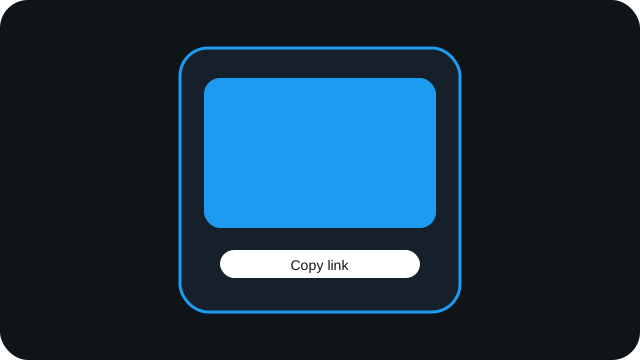
Open the post, tap Share, then tap Copy link.
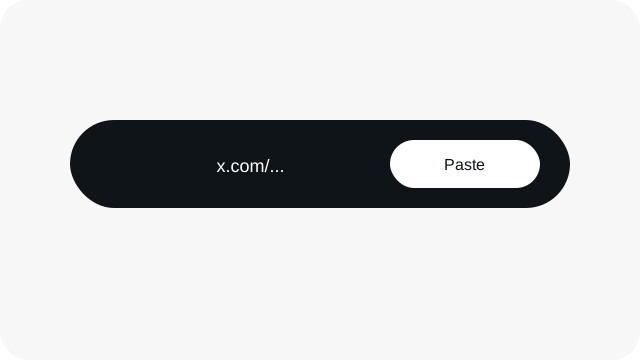
Paste that link into the box on this page.
Click Download to save the file.
FBGrab.download features
Open the video page to save a video, or the Reels page to save a Reel.
Video downloader
Save a public Facebook video as a file in your browser.
Reel downloader
Save a public Facebook Reel as a file in your browser.
What FBGrab offers
A free way to save a public Facebook video in your browser.
No account
You do not sign in to Facebook. Paste a public link.
Video and Reels
Save a public Facebook video, or open the Reels page for a public Reel.
Public posts only
Private accounts and private posts stay closed.
Nothing to install
It runs in the browser on a phone or a computer.
Free
There is nothing to buy and no account to create.
FAQ
Answers to common questions. If yours is not here, use the contact page. Contact us
Is FBGrab free?
Yes. FBGrab is free to use. You do not need to create an account.
Do I need a Facebook account?
No. You only need the link to a public post. FBGrab does not ask you to sign in.
Can I download a Reel?
Yes. Open the Reels page and paste a public Reel link.
Can I download a private post?
No. If the post is not public, FBGrab cannot open it.
Which links work?
A public video or Reel on facebook.com, including Watch links, /videos/ links, and fb.watch short links.
Where are downloaded files saved?
Your browser saves the file. On a computer it usually goes to your Downloads folder. On Android it usually goes to Downloads as well. On iPhone, Safari may open a share sheet so you can save the file to Files.
Does it work on a phone?
Yes. Open FBGrab in your browser, paste a public link, and download. The browser handles where the file is saved.